Visually organize what you see, think and want to remember.
A digital shoebox.
Spatial is like a big, digital shoebox for keeping notes together with graphics and animation. For saving inspiration, ticking off lists, writing drafts, capturing quick thoughts, storing web clips and more. Items are laid out by location - spatially - which tend to be easier to remember than verbal structures. So you can find things faster and worry less about organization.
Notes
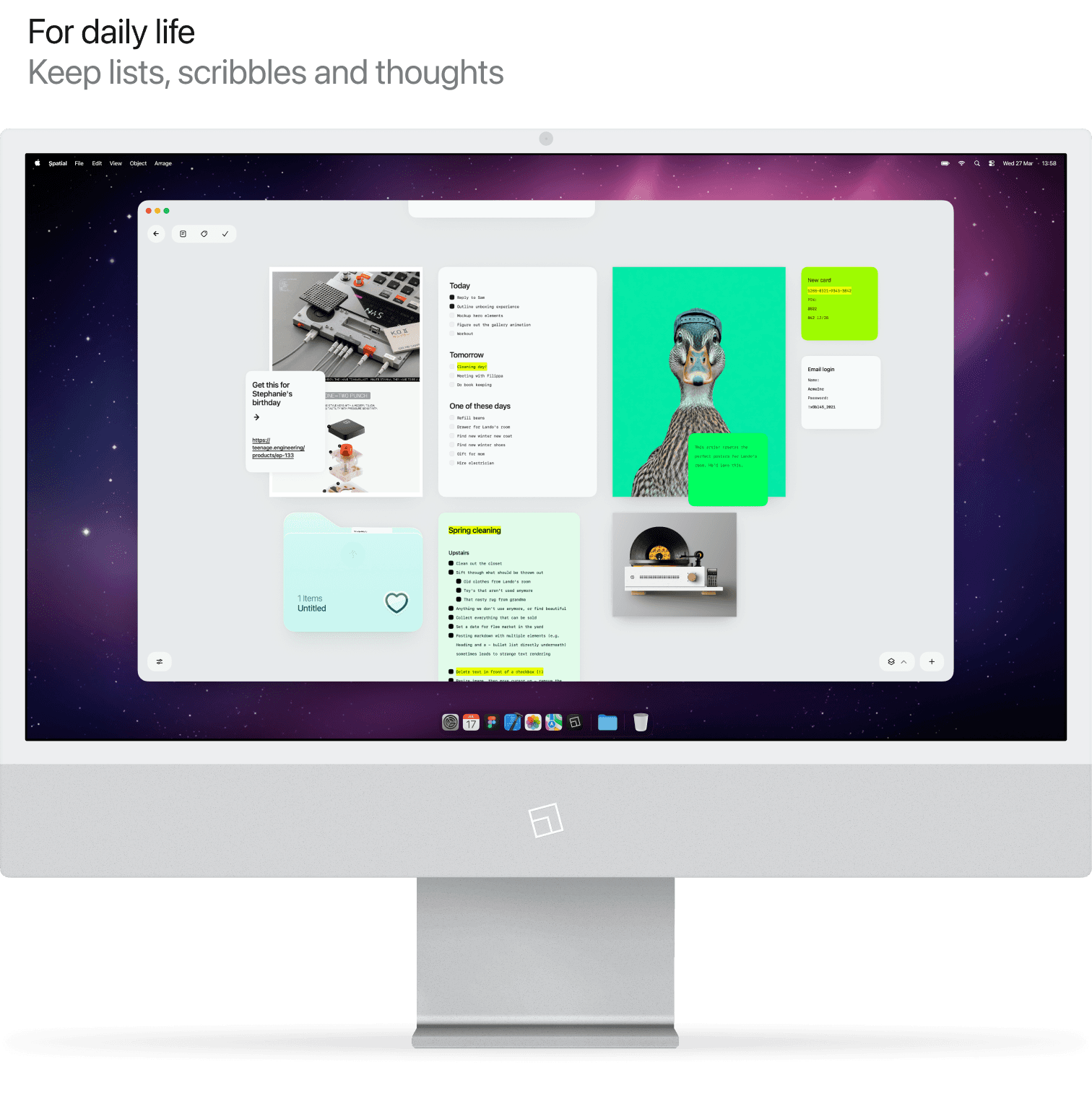
Shorter texts like lists, phone numbers or wifi passwords can be added as stickies. Longer texts like meeting notes, essays or articles are represented as a sheet of paper.
Visuals
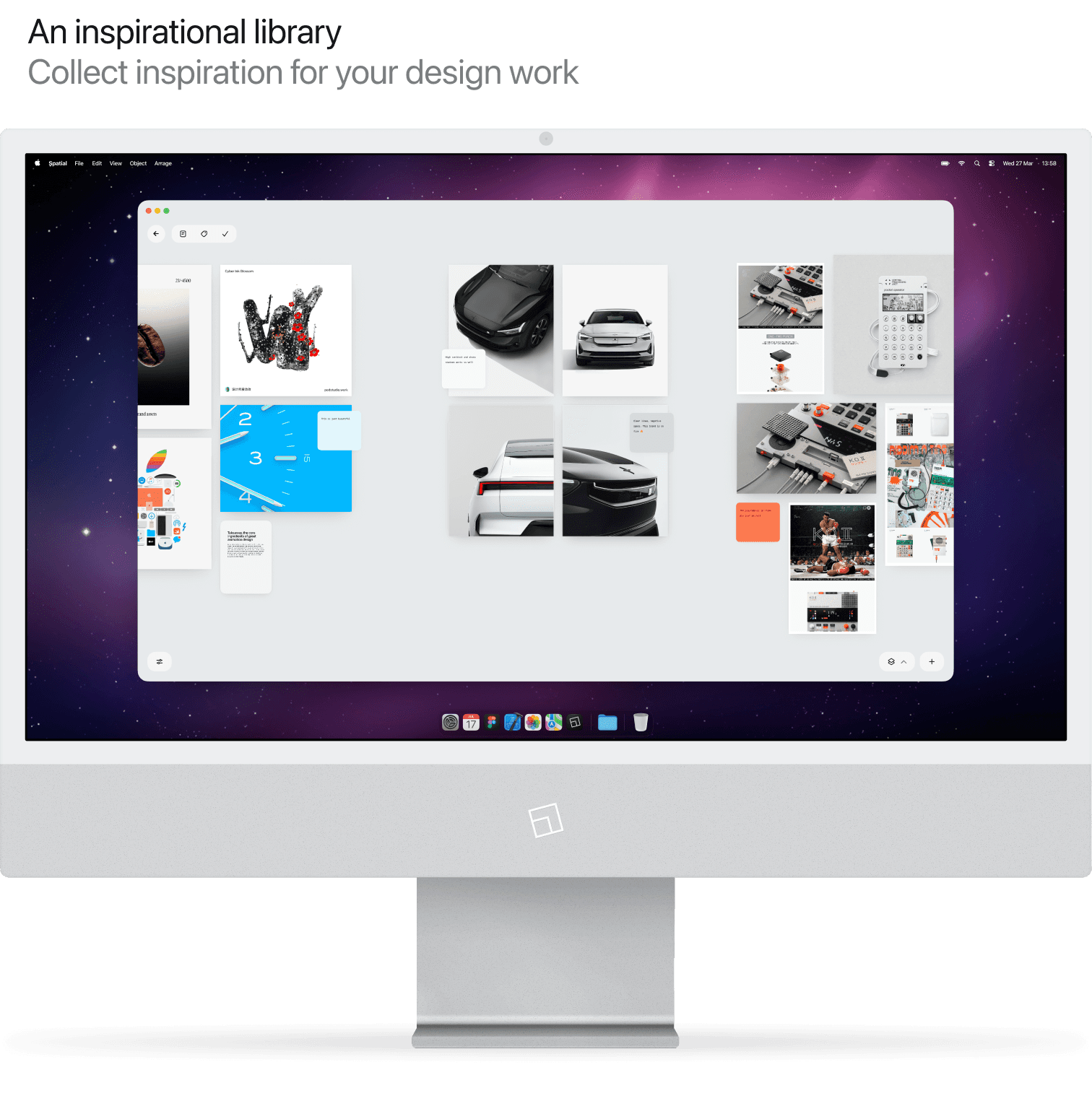
Both videos and images can be added. Images for photos or graphics. Videos for motion and animation design. Useful for building an inspiration library of references or mood boarding.
Webclips
Lets you store magazine-style snapshots of any website, with its full desktop layout. Not a thumbnail. Useful for keeping a collection of visual references of websites you find inspiring. Or just as a beautiful bookmark.
Stacks
Stacks is an organic, lightweight way of grouping things together - without all the structure. Bunch stuff together, click to expand, open to view or pull back what's needed again. The lovely kind of mess.
What to use it for.
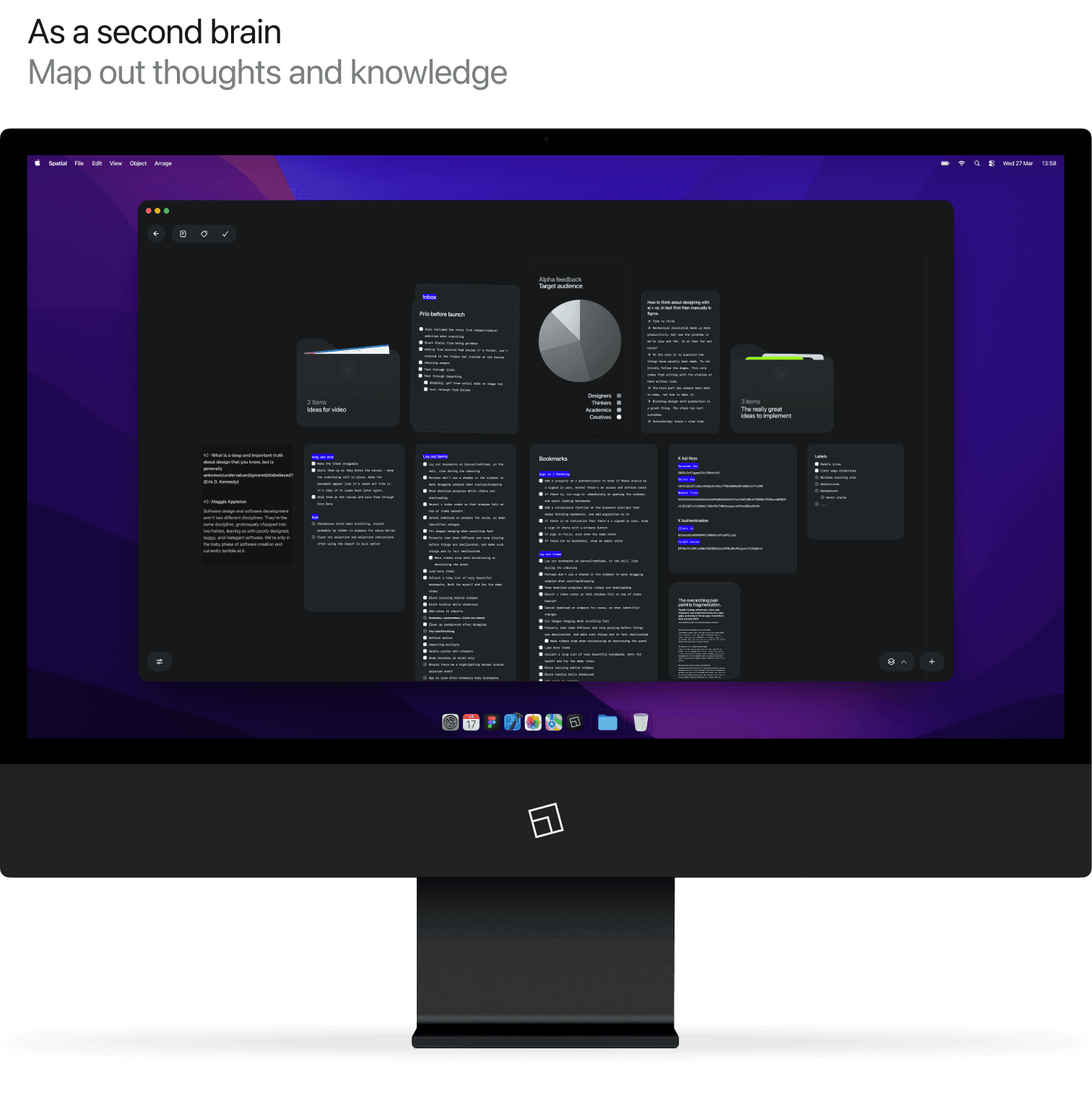
Spatial is designed for three core purposes. (1) For collecting visual inspiration like graphics, animation and web clips. (2) As a second brain with notes and stickies. And (3) for managing daily life with lists, capturing thoughts and planning ahead.
Writing.
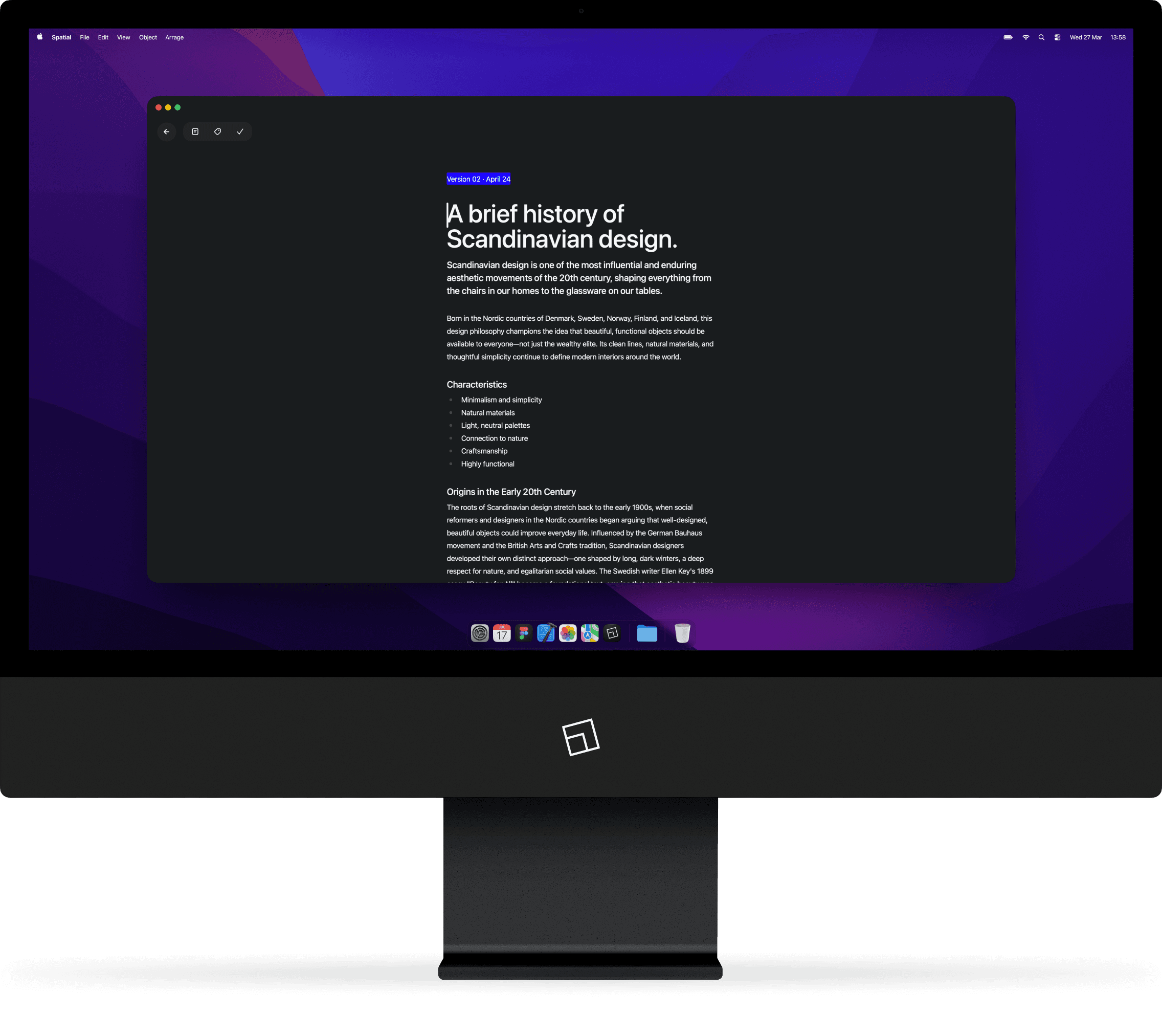
The writing experience is optimized to just leave you to it. No flurry of buttons, no focus mode, no distractions. Just you and your best work.
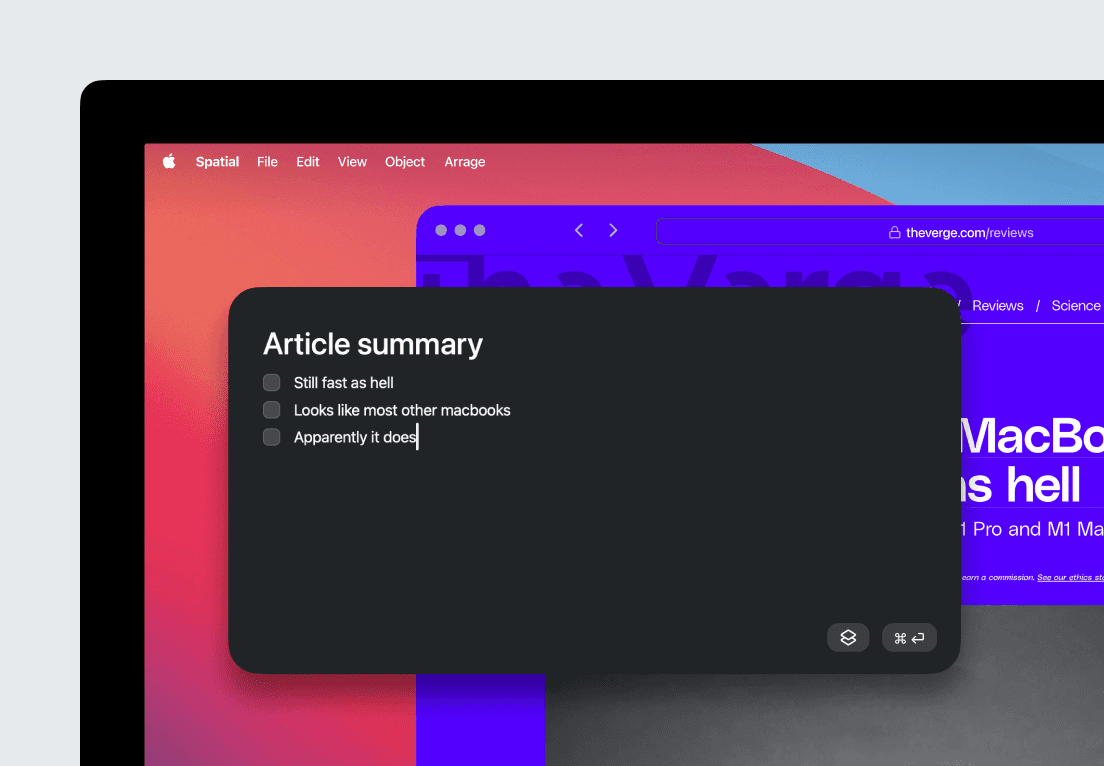
Scratch Pad
Lets you store magazine-style snapshots of any website, with its full desktop layout. Not just a thumbnail. Useful for keeping a collection of visual references of websites you find inspiring. Or, simply as a beautiful bookmark.